

14 Common Technology Habits That Leave You Exposed to Cybercrime
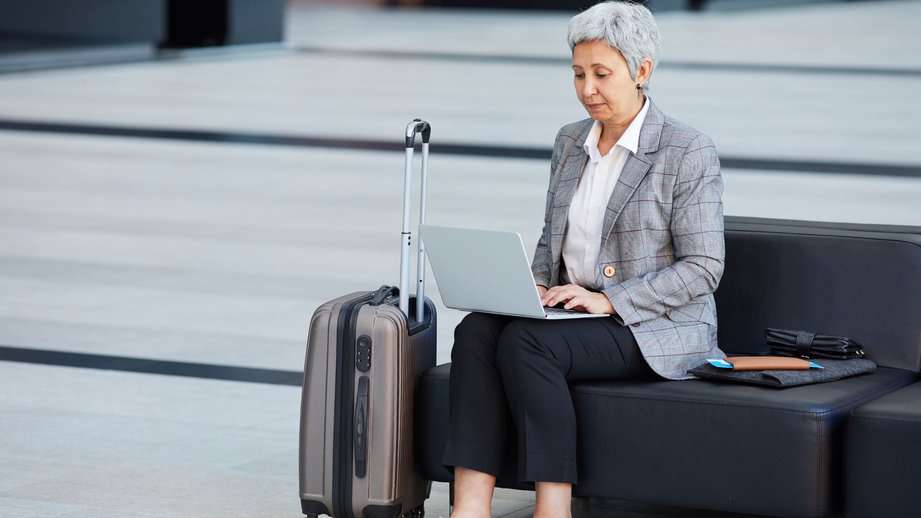
Every day, small habits can create risks online without people noticing. Simple actions like using weak passwords or not updating software can make it easy for hackers to break in. Many do not know how these habits can add up and create serious problems. Learning about these habits and changing them can help you stay safe. Knowing what to avoid or improve can protect your personal information and keep you secure. Small changes can make a big difference in keeping your data safe. Staying careful online helps you feel more protected.
Note: The content of this article is for informational purposes only and is not a substitute for professional advice. Always consult with a qualified professional for advice tailored to your individual circumstances.
Failing to Keep Your System Up-to-Date

Not updating your computer or phone can leave you vulnerable. Software updates often include significant security fixes that keep your devices safe. Cybercriminals look for older systems that are easier to break into. Skipping updates may seem small, but it can have big effects. It is important to take a few minutes to update your system regularly. Automatic updates can help if you forget. Keeping your device updated means fewer hackers can find a way in. Small actions like this go a long way in protecting your data.
Skipping a Good Internet Security Suite

Many people don’t use a proper internet security suite. Basic antivirus programs might not be enough to protect you from all types of threats. Comprehensive security software guards against viruses, malware, and phishing attempts. Without this, your computer is an easier target. Investing in good security software helps keep your information safe. Free versions may offer basic protection but often lack complete features. A full security suite adds an extra layer of defense that helps spot and block dangers. Safe browsing is easier with the right tools in place.
Using Unsecured Internet Connections

Connecting to the internet without checking the safety of the network can be risky. Unsecured networks can be found in many places like coffee shops and airports. Hackers can use these open networks to steal personal data. A secure, password-protected network is a safer choice. A virtual private network (VPN) is a blessing that keeps your information safe if you need public Wi-Fi. VPNs create a secure connection that hides your data from prying eyes. It is an easy step that makes a big difference. Making sure your connection is secure helps protect your data when browsing.
Ignoring Two-Factor Authentication

Two-factor authentication (2FA) is an indispensable part of security that helps keep your accounts secure. Many people skip this step because it feels like an extra hassle. 2FA adds an extra layer of safety by sending a code to your phone or email. Even if someone guesses your password, they would still need that code to get in. Using 2FA makes it much harder for someone to access your accounts without your permission. Most websites now offer this option, and it’s worth setting up. It is a simple habit that boosts your online security. Extra security steps are always worth the small effort.
Choosing Easy Passwords

Using easy-to-guess passwords might be convenient, but it puts your accounts at risk. Passwords like 123456 or password are some of the first that hackers try. Strong passwords utilize a combination of letters, special characters, and numbers. Longer passwords are also harder to crack. It is best to avoid using personal information, like your birthday, in your password. Password managers can help you curate and store strong passwords. Making your password stronger takes only a few minutes but can make a big difference. Safe passwords help keep your accounts secure.
Forgetting to Back Up Important Files

Not backing up your files can be risky if you ever lose access to your computer. Important files could be lost due to hardware problems, accidents, or cyber-attacks. Regular backups ensure you have copies of your important documents, photos, and data. External hard drives are wonderful ways to keep backups. Automated backups are even better as they save your work without you having to remember. Losing files can be stressful, but backups can save the day. It is a simple habit that keeps your data safe and easy to return.
Holding Onto Old Sensitive Information
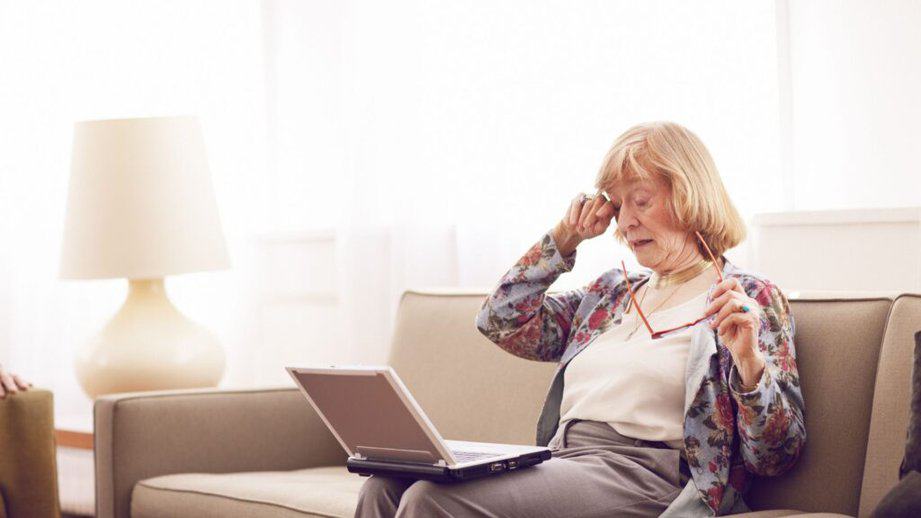
Keeping sensitive information that you no longer need can be risky. Old files, emails, or notes with personal information can become targets if your device gets hacked. Deleting these files helps protect your privacy. Shred paper copies of old bank statements or bills before throwing them out. Clean your digital files regularly to ensure you only store what you need. Securely deleting data with special software can prevent anyone from recovering it. Getting rid of what you don’t need keeps your data safe. Fewer stored files mean fewer chances for private information to be exposed.
Sharing Private Information

Sharing personal information without checking if a request is real can be dangerous. Scammers often act like they are from trusted companies or people you know. They may ask for passwords, social security numbers, or payment details. Always double-check if the request is real by contacting the company or person directly. Legitimate companies won’t ask for sensitive information over email or text. Being careful with what you share can protect you from identity theft. Taking an extra minute to verify helps keep your information safe. Staying cautious online helps protect your details.
Saving Passwords in Your Browser

Many people save passwords in their web browsers for convenience. While it makes logging in faster, it can also be risky. If someone gains access to your device, saved passwords can be stolen. Using a password manager is a secure choice because it encrypts your passwords. A password manager keeps your login information secure and easy to use. Make sure to protect your devices with a strong password or passcode. This step adds extra security in case someone tries to access your browser. It is better to take a few extra seconds to log in safely.
Downloading Attachments from Unknown Sources

Downloading attachments from unknown sources can result in big problems. Emails from unknown senders often carry hidden malware or viruses. Even if an email looks real, it’s good to double-check the sender before opening anything. Attachments that seem harmless can hide programs that steal data or damage your system. Make sure to scan any attachments with security software before opening them. Trusted senders should be the only ones whose files you download. Learning to spot suspicious emails is an important skill. Staying alert helps keep your computer safe from hidden threats.
Using Weak Security Questions

Relying on weak or predictable security questions for account recovery can put your accounts at risk. Questions like “What is your favorite color?” or “What is your mother’s maiden name?” are often easy to guess or find online. Hackers can use publicly available information or social media clues to bypass these safeguards. Instead, choose obscure questions only you can answer or avoid using security questions altogether. Some platforms allow you to create your own custom questions, which can be more secure.
Leaving Devices Unprotected in Public

Leaving your devices unattended in public can lead to theft or unauthorized access. Whether it’s a laptop at a coffee shop or a phone left on a table, opportunistic thieves can quickly take advantage. Even if your device isn’t stolen, someone could access sensitive information if left unlocked. Always keep your devices with you and lock them with a strong password or biometric security. If you need to step away, consider locking them in a bag or using a physical security cable for laptops.
Everyday habits can seem harmless but might make you open to cyber threats. Knowing the risks behind everyday habits helps you make better choices. Cyber safety starts with paying attention to these habits and understanding why they matter. Small changes to daily routines can protect your information. Being careful with what you do online helps you feel safer every day.


